WAN Smoothing & Forward Error Correction (FEC)

Real-Time Communication & Jitter Compensation

WAN Smoothing for VoIP, video and live streaming

WAN Smoothing and FEC can mitigate the effects of packet loss on VoIP, video and live streaming. Their benefit depends on active connection paths, bandwidth and tunnel configuration. Both features are part of Peplink’s SpeedFusion™ technology.

VoIP
Real-time applications
FEC
Redundancy mechanism
WAN
Active connection paths
Capacity
Additional bandwidth
Official Peplink visualisation
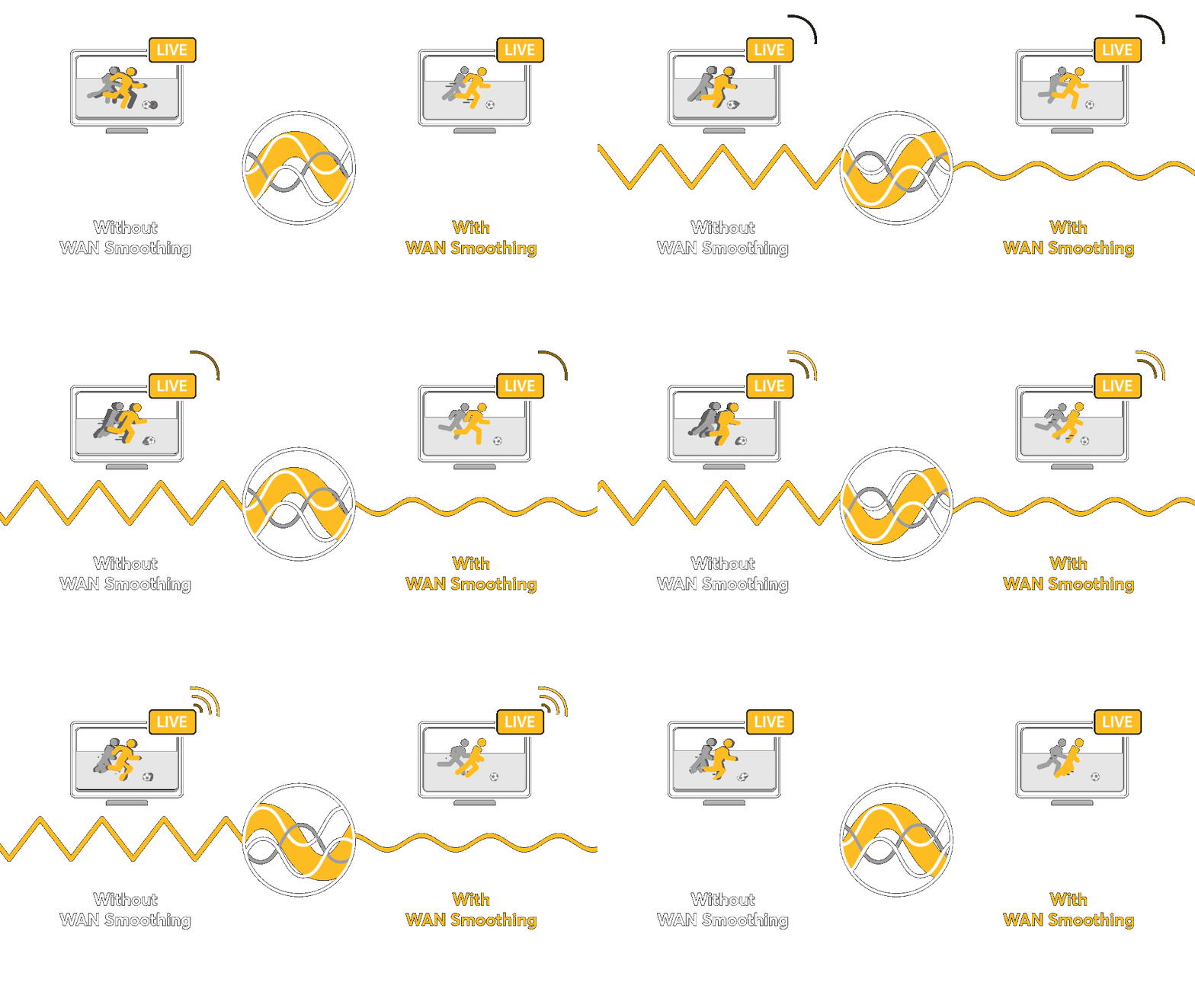
Peplink WAN Smoothing animation showing redundant packets compensating for losses

WAN Smoothing sends redundant packet copies over multiple active channels. If a copy reaches the peer in time, it can compensate for loss on another path. If all usable paths fail, transmission is still interrupted.

The Problem: Jitter & Packet Loss

Wireless connections such as 4G/5G, Starlink or wireless bridges can experience variations in delay and packet loss. Depending on their severity and the application, these variations can affect real-time communication.

VoIP telephony
Distorted voices, echo and clipped syllables.
Video conferencing
Frozen images, artefacts and lip-sync issues.
Live streaming
Buffering interruptions and reduced quality.
Remote Desktop (RDP/VDI)
Delayed input and unresponsive sessions.

Starlink has no universal jitter or packet loss figures: routing, network load and local conditions affect the connection. Speech quality and MOS ratings also depend on the codec, end-to-end delay and loss pattern. A single jitter value therefore does not imply a guaranteed MOS score.

How WAN Smoothing works

WAN Smoothing, FEC and receive buffering serve different purposes in a SpeedFusion™ tunnel. They can be combined depending on the profile:

Packet Duplication
WAN Smoothing sends packet copies over the WAN paths actively used by the tunnel. Additional bandwidth must be available for this.
FEC adds redundant data and can reconstruct lost packets without requesting retransmission, provided enough data and redundancy arrive in time. Its correction capacity is limited.
Receive Buffer
An optional receive buffer can mitigate jitter and out-of-order packets, but increases tunnel latency. Its setting must suit the application.

FEC: redundancy and bandwidth requirements

Illustrative calculation, not a specific Peplink mode setting: for 3 equal-sized data packets 1 additional redundancy packet is sent. This means approximately 33.3 % additional packet overhead relative to the payload; redundancy accounts for 25 % of total traffic. Additional protocol overhead may also apply. With suitable coding, a lost data packet can be reconstructed from the two remaining data packets and the redundancy packet. If further packets are missing or arrive too late, recovery is not assured. Peplink's FEC levels are configured separately; the available options depend on the device and firmware.

Configuration example · Starlink + WAN Smoothing

Example, not a documented customer result: An office combines a Starlink connection with a 4G connection and a suitable Peplink router.

Without redundancy: Packet loss on the path in use can affect voice and video. Its impact must be measured on site.

With Starlink and 4G actively in use: WAN Smoothing can mitigate loss through packet copies that arrive in time; FEC adds redundant data when appropriately configured. This requires a reachable SpeedFusion peer, sufficient bandwidth and data plans, and power for all components. A 4G link held only on standby does not send packet copies simultaneously. If every usable path fails, transmission is impossible. More on integration: Combine Peplink with Starlink Business.

Without redundancyLoss directly affects traffic
With redundancyCompensation may be possible
Qualitative comparison — not measurements. The benefit depends on the loss pattern, active paths and tunnel configuration.

WAN Smoothing modes in the 8.6.0 manual

Normal
Normal: according to the manual, total traffic is at most twice the original data traffic. Allow for spare bandwidth and data plan capacity.
Medium Assess suitability
Medium: according to the manual, total traffic is at most three times the original data traffic. Select it based on the application and measurements rather than a blanket Starlink recommendation.
High
High: according to the manual, bandwidth requirements depend on the number of connected active tunnels. Check mode names and behaviour for the firmware in use.

Peplink devices and requirements

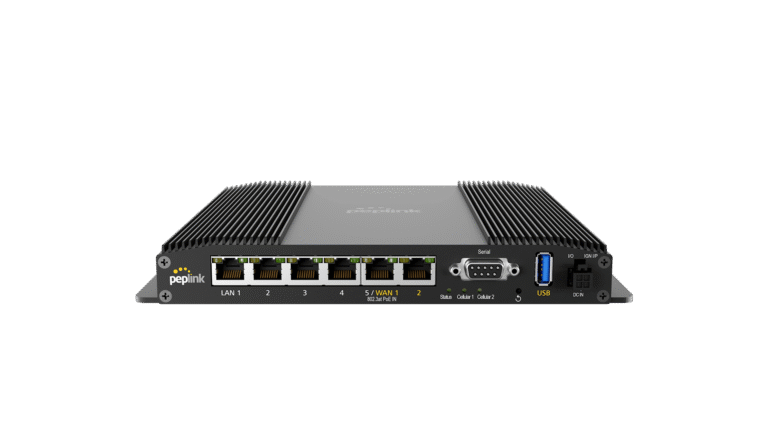
Balance 580X – SpeedFusion for sites; check the hardware revision, firmware and tunnel profile.
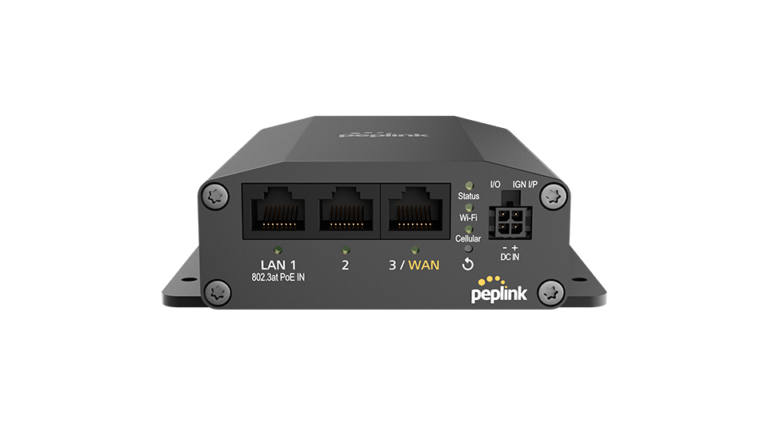
MAX BR2 Pro 5G – Smoothing is listed in the datasheet; check PrimeCare and licensing coverage for the required configuration.
Balance 380X – SpeedFusion for sites; check the peer and feature activation required for the planned configuration.
SpeedFusion Engine – Physical legacy hardware, not a VM. The virtual SpeedFusion peer is called FusionHub; its licence and host resources must be assessed separately.
Tags
Forward Error Correction Jitter compensation SpeedFusion™ Starlink LEO & Constellation VoIP quality MOS Score

The right network solution for your project?

We advise on a suitable configuration for your connectivity solution with connecting.works GO — from initial consultation to commissioning. We offer Starlink terminals exclusively with a service plan and service.

Shares
Avatar photo
wirelessmaxx Expert Team
Articles: 38